Document signing
Upload a document that needs a guest's signature — a rental registration form, a house-rules acknowledgement, a damage waiver — and Supahost finds the fillable and signable fields on it for you. You confirm or correct those fields, then choose which listings and which booking platforms it applies to.
After that it runs itself. A guest gets a prefilled copy through their guest portal, fills in anything still blank, and signs. You both get the signed PDF and an audit certificate. A document can be re-signed if something needs correcting.
You set a document up once, from the guest portal settings. Until you add one, that section is a single empty row — the whole feature starts from here.
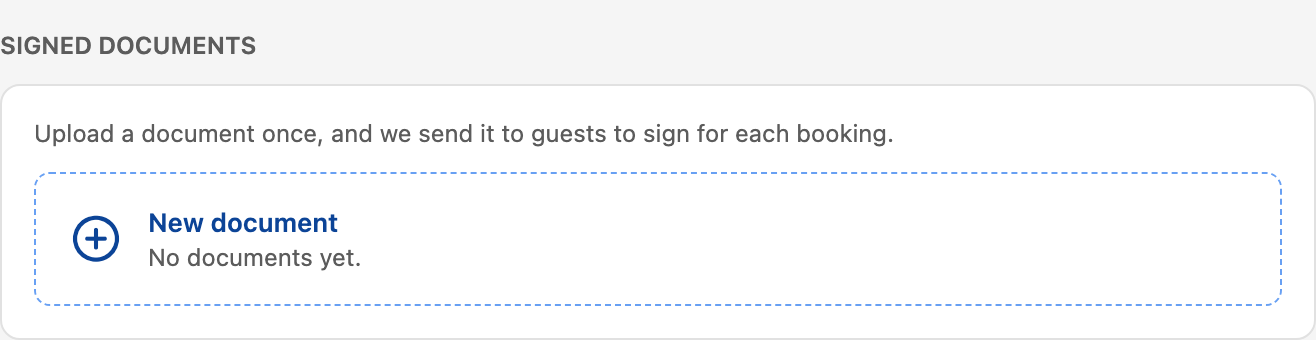
- 1Set it up once, and every future booking gets it automatically.
- 2New document opens the upload. Documents you add stack up in this list.
Frequent questions
Is this a real e-signature, or just a filled-in form?
A real signing flow, with a verifiable audit certificate rather than only a completed PDF. You and the guest both receive the signed copy and that certificate.
Do I need a separate document per listing?
No. One document can be assigned to as many listings and platforms as it applies to. If you use one standard registration form, you set it up once.
Does the guest need an account to sign?
No. They sign through their existing guest portal link, which is authenticated by their booking. There is no password to create and nothing to install.
Can I require it before check-in?
Signing is not a lock on the rest of the guest portal. A guest who has not signed still sees their stay details, and signing does not by itself hold anything back.
There is one thing the portal does withhold, and it is a different feature: the property address can be held until guest registration is complete, or until a set number of days before arrival. That is a guest-registration setting, not a signing one.
Related
- Where to find things — where the guest portal and its settings live.