Knowledge base
In the app this is called Knowledge ("Memories of your AI"). It is where the AI's answers actually come from. Rather than a flat FAQ list you fill in from scratch, it is built two ways at once:
- Auto-generated — the AI reads a property's past conversations, its listing description, amenities and house rules, and writes up topics on its own. This is offered as "Generate Frequent Topics" whenever the listing you have selected has no topics yet, so it is how most accounts start. It runs through a visible sequence — fetching past conversations, reading house rules, reading check-in/check-out instructions, generating and finalizing topics — rather than happening invisibly.
- Taught directly — from the (+) button you either write a New topic yourself, or choose Learn from a document or photo and let the AI read a file and turn it into topics. Supported file types cover images, PDFs, Word and Excel documents, CSVs, video and audio. You can hand over a house manual as a PDF, a photo of the alarm code posted on the wall, or even a voice note, and the AI will extract topics from it.
Every topic shows where it came from — a house rule, a specific document, a past host message, an edit someone made — so nothing is a black box. You can always trace an answer back to its source.
Topics are organized by category (Amenities, Check-in & Check-out, House Rules, Getting Around, Tech & Connectivity, Safety & Security, Cleaning & Maintenance, Local Area, Contact & Support, Property Info, General) and can be filtered per listing.
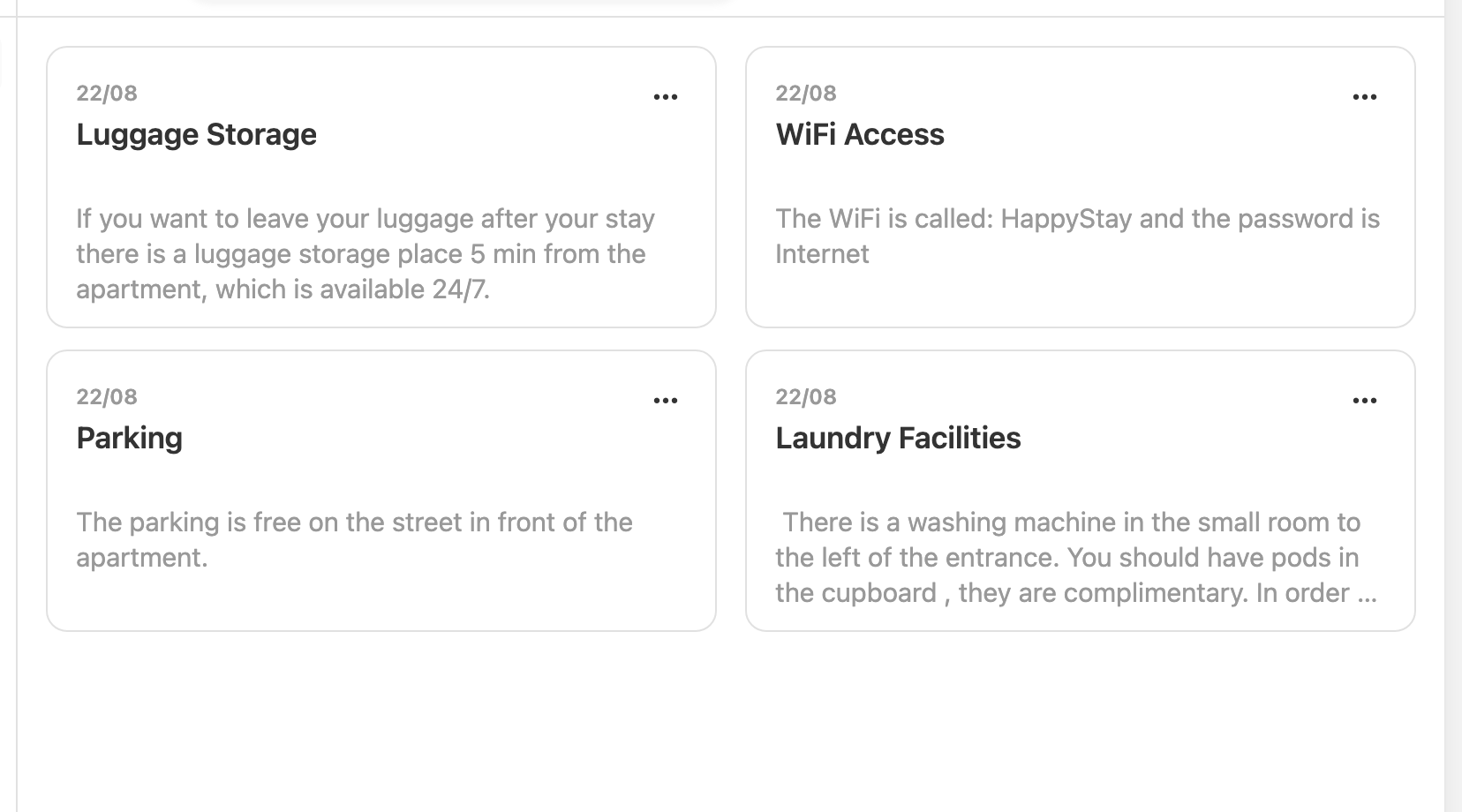
- 1Categories filter the topics — Amenities, Tech & Connectivity, and the rest.
- 2Every topic shows its Sources, so an answer traces back to where it came from.
Frequent questions
Do I have to write out all my FAQs myself?
No — that is the point of the auto-generation. Most hosts get a working set of topics just from connecting their PMS and letting Supahost read their existing conversation history and listing details. Manual upload is for filling gaps, not starting from zero.
What can I upload?
Photos (including HEIC from iPhone), PDFs, Word docs, Excel spreadsheets, CSVs, videos and audio files. In practice this covers almost anything you already have lying around — a scanned house manual, a WiFi-password photo, a voice memo explaining the parking situation.
How long does it take after I upload something?
The app shows a visible "reading" state before it is usable — a document has to be processed (OCR'd, if it is an image or a scan) before topics get generated from it. It is not instant, but it is also not an overnight wait; you see the status change from "still analyzing" to ready.
Can I edit what the AI wrote?
Yes, freely. Every generated topic opens in a full text editor where you can rewrite the title or body, and even insert a reference back to a specific uploaded document.
Does it keep learning after the first setup, or is this a one-time thing?
It is meant to be revisited. New conversations keep feeding the "auto-generate from conversations" side over time, and you can re-run generation or add documents whenever something changes — a new house rule, a renovated amenity.
Is this the same thing as escalation topics?
No, though they live in the same underlying system. Knowledge topics are things the AI should answer; escalation topics are the specific subset of topics the AI should hand off to a human instead of answering. You configure them separately.
Is there a limit on how much knowledge I can add, or what kind?
No. There is no restriction on the type or amount of knowledge you can build up.
How should I organize knowledge across a portfolio with multiple properties?
By apartment or listing, which is exactly how the system is built to work. A topic can be mapped broadly to many listings at once — general things like the check-in process or the cancellation policy — or scoped to just one specific listing, like that unit's WiFi password or its particular quirks.
That is the right mental model to use rather than duplicating the same general information per property or, conversely, dumping unit-specific details somewhere they will apply to every listing by mistake.
Related
- Autopilot vs. Copilot — what the AI does with an answer once it has one.
- AI personality tuning — knowledge is what the AI says; personality is how it says it.